
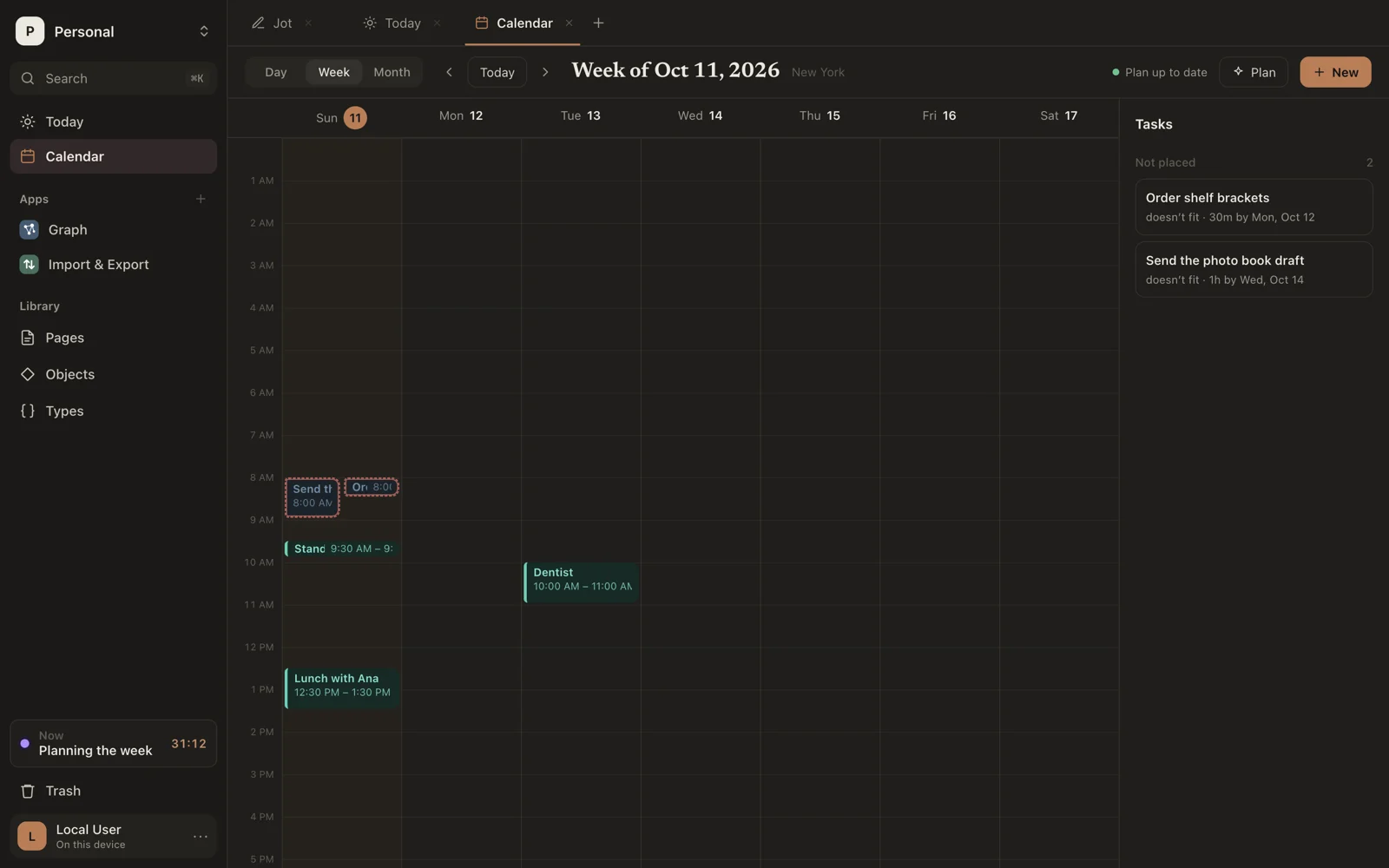
Appearance
Events and tasks
Calendar, near the top of the sidebar, holds two kinds of thing:
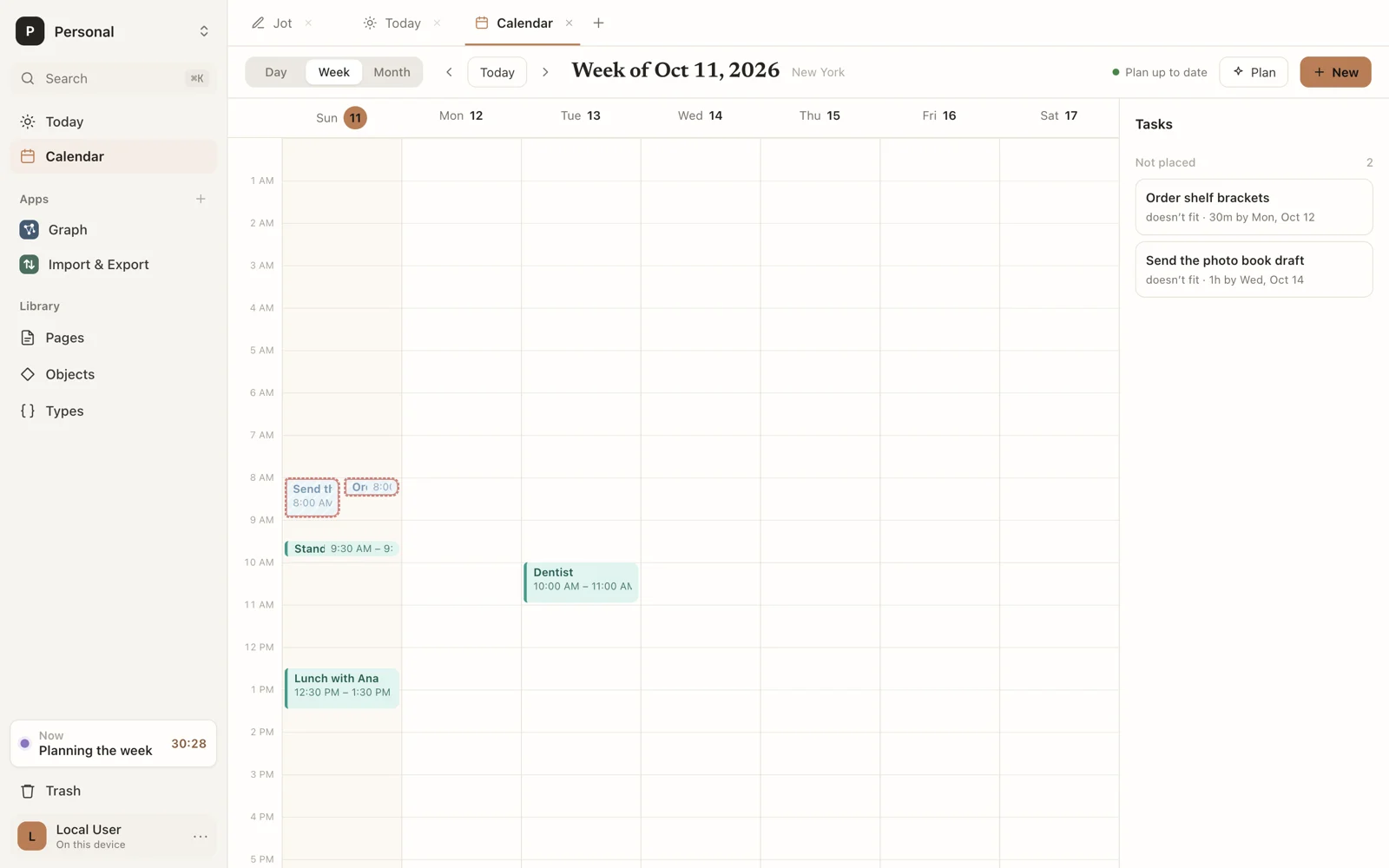
- An event happens at a set time: a meeting, a class, a flight.
- A task needs doing within a window, and takes a while: “write the report, 2 hours, by Friday”. Sorus can plan when you'll do it.
Both are objects, so they open as pages, can be linked and embedded, and show on Today beside what you did.
Views
Switch between Day, Week and Month at the top. The arrows move back and forward; Today comes back. In Month, click a day to open it.
The tasks rail on the right lists your open tasks: Overdue, Not placed and Planned.
Make one
- Drag over empty time in Day or Week, or click it for an hour. Fill in the form that opens.
- Click New in the toolbar.
- In a page, type
>Eventor>Task. See Objects in a page.
In the form, choose Event or Task, then:
| Event | Task | |
|---|---|---|
| Times | Starts, Ends | Not before, Done by |
| Length | Takes: a preset or minutes | |
| Repeats | Repeats |
If you have types that extend Event or Task, pick one under Type.
Change one
Click an item for its card:
- Edit opens the form.
- Start now switches your activity to it.
- For a task: Done (or Not done), and Pin here to keep it where it is when you plan.
- Delete.
Drag an item to move it; drag its bottom edge to change when it ends. Moving a task by hand pins it there, unless you've turned that off in Settings.
A card that says Doesn't fit: it overlaps something has a clash to sort out.