
Appearance
Jot
Jot is where Sorus opens: a blank line under the date and time. Type whatever's on your mind, and Sorus files it.
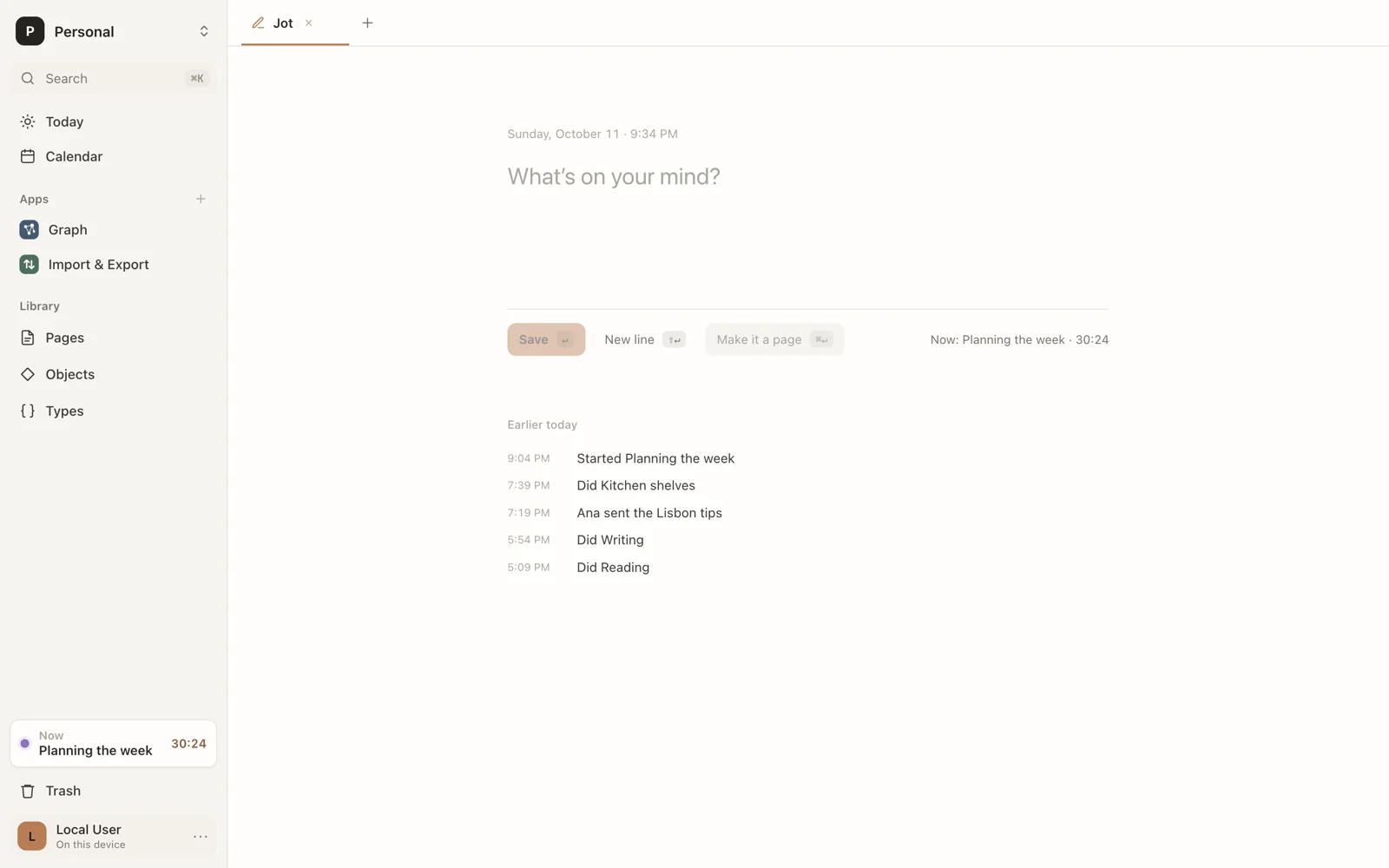
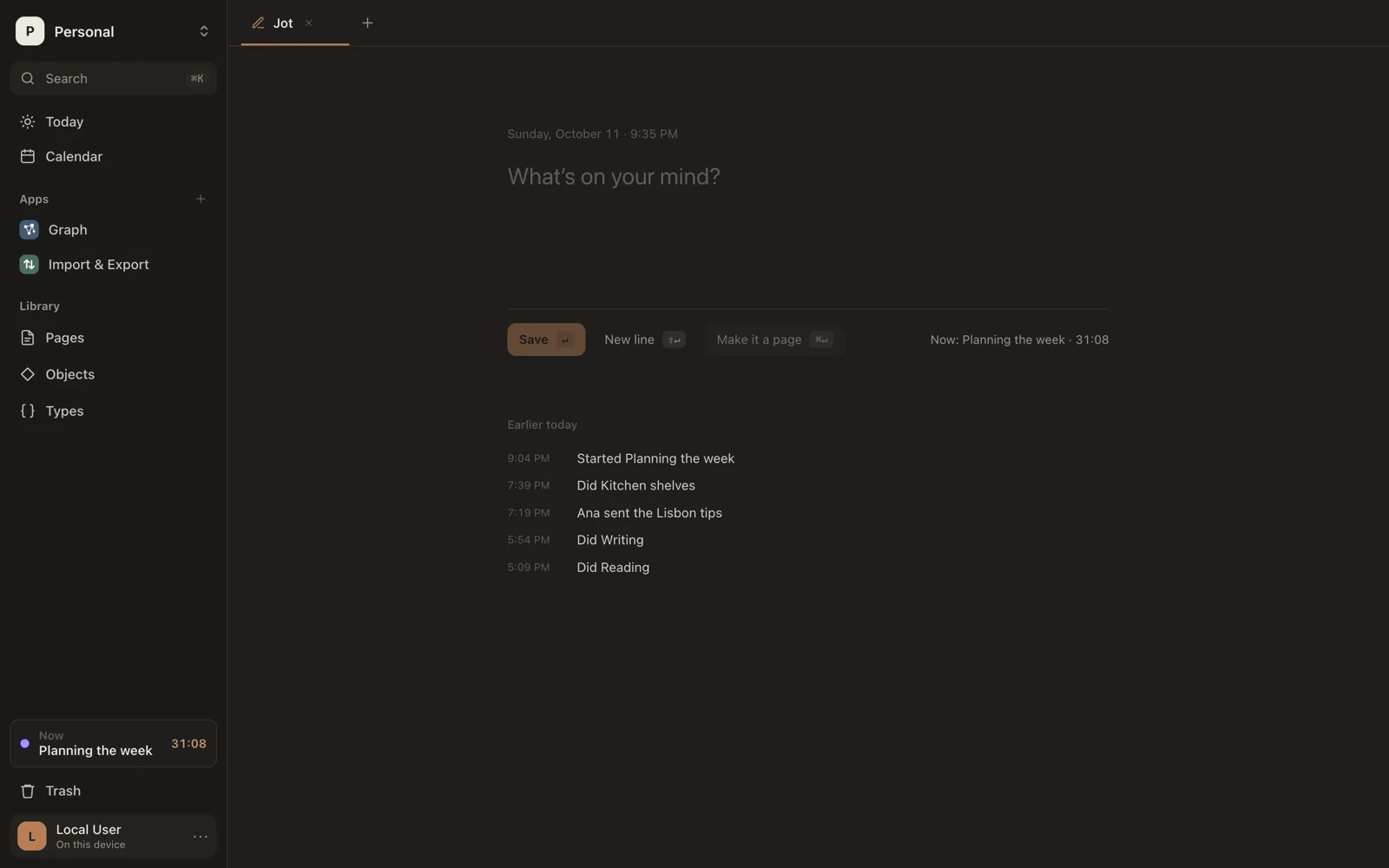
Under the line, Sorus shows what will happen when you save, so you can check before pressing ↵.
One line: log it
Press ↵ to save a single line to today's log.
| You type | What happens |
|---|---|
called the bank | A moment at the current time |
now writing | Switches to the activity “writing” |
2-3pm design review | Logs an activity that already happened |
mood 4 | Records a measurement |
stop | Ends whatever is running |
The full rules are in Line syntax.
Several lines: make a page
Press ⇧↵ for a new line. Once there's more than one line, ↵ just adds lines, and ⌘↵ makes it a page: the first line becomes the title, the rest the text. ⌘↵ works on a single line too.
>: make an object
Start with > and a type's name to make an object:
>Book The Left Hand of DarknessAs you type after >, Sorus suggests types; Tab completes the first one. Press ↵ to make it. With a name, it's made and you stay in Jot; with only the type (>Book), its page opens for you to fill in.
> with a space after it stays plain text.
Earlier today
Below the line, Jot lists the last few things logged today.
Log from anywhere
You don't need to be in Jot to log a moment: press ⌘J anywhere for a one-line bar. It reads lines the same way. Esc puts you back where you were.
From anywhere
Press ⌃⇧Space in any app to jot without switching to Sorus. A small window opens over what you're doing: ↵ saves the line to Jot, read the same way as here, and ⌘↵ starts a page with it instead, its first line as the title. That page waits in Review to be sorted. Esc, or going back to your app, puts it away. It saves to the workspace open in Sorus.