
Appearance
Make a page your own
Give a page an icon, a cover, and its own style. Move the pointer near the top of a page to see Add icon, Add cover and Style.
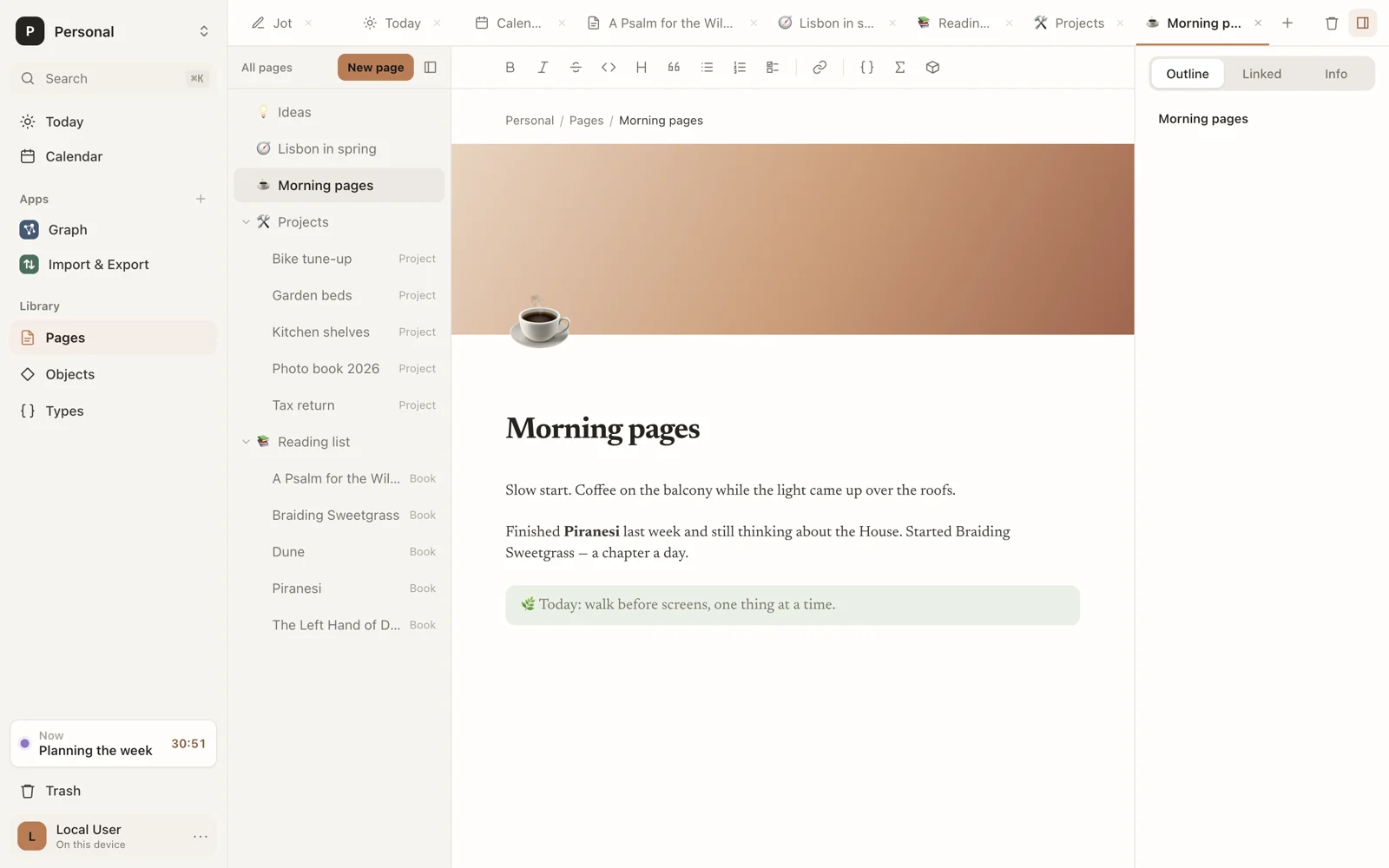
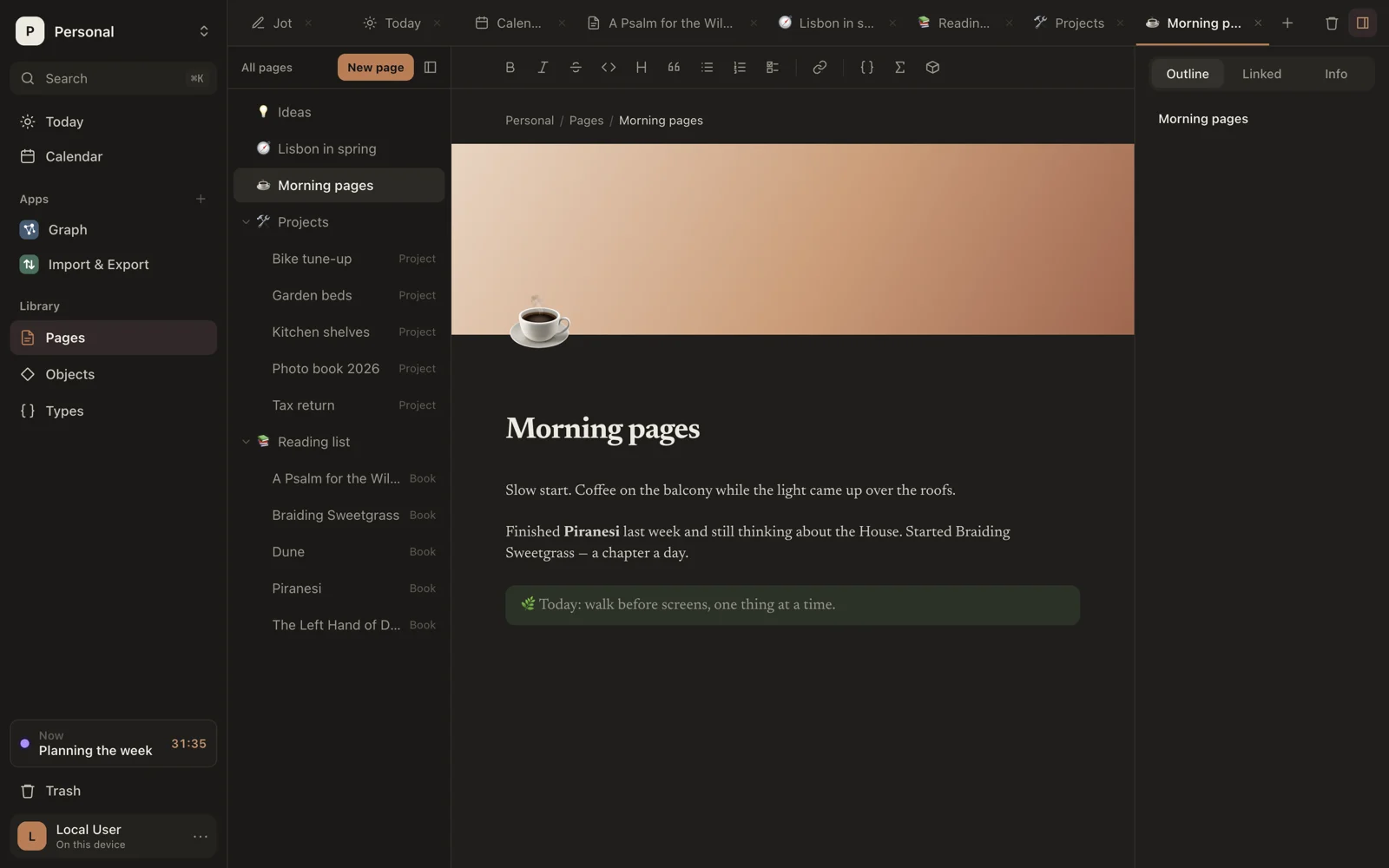
These work on objects' pages too, and they sync with the workspace.
Icon
Click Add icon. Sorus picks an emoji to start with; it shows large above the title, and beside the page's name in the page list and on its tab.
Click the icon to change it. Search by name, such as coffee, and pick one, or choose Remove.
Cover
Click Add cover for a band of color across the top of the page.
Hover the cover and click Change cover to pick one of eight gradients (Dawn, Dusk, Sage, Tide, Clay, Plum, Sand, Night), or Upload an image… to use your own. Remove takes it away.
For an image, Reposition lets you drag it up or down to choose which part shows; Save position keeps it.
Style
Click Style to change how this page reads:
- Font: Default, Serif or Mono.
- Full width: use the whole window.
These apply to this page only, in place of your choices in Settings › Writing.