
Appearance
Types
A type describes a kind of object: its name and its fields. Find your types under Types in the sidebar.
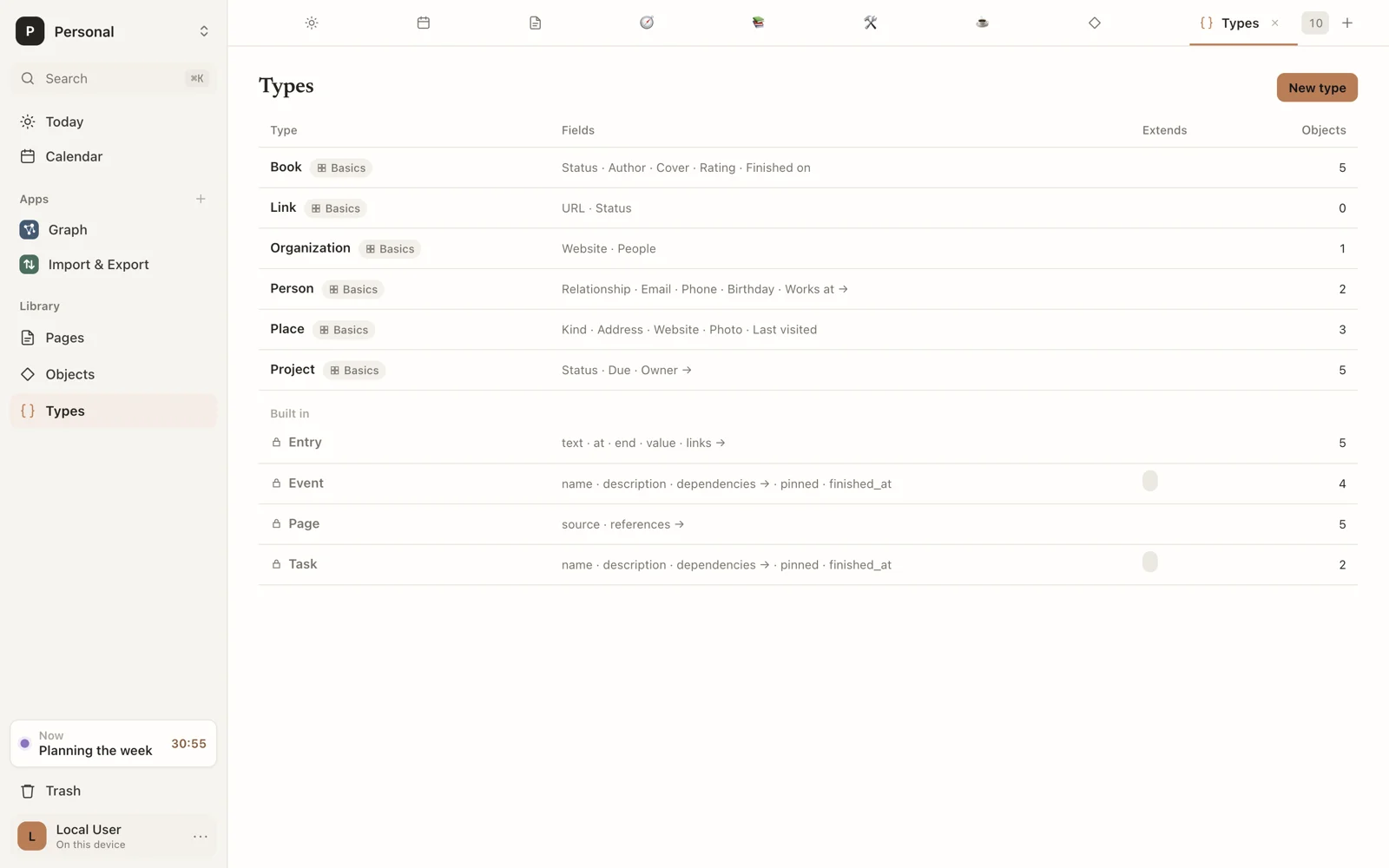
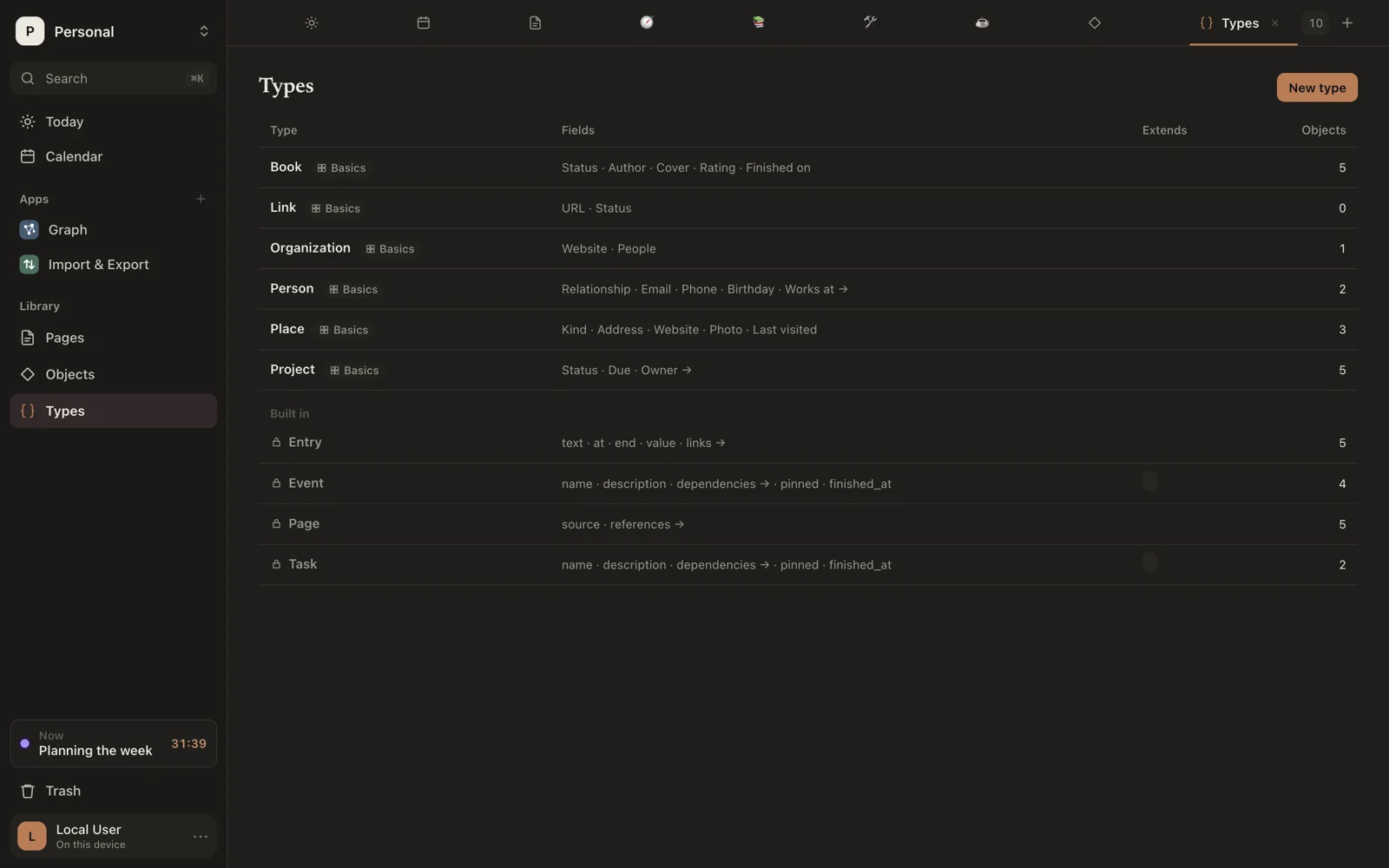
The list shows each type's fields, what it extends, and how many objects it has. Sorus's own types (Page, Event, Task, Entry and others) are listed under Built in; you can look at them but not change them. A type an extension brought shows that extension's name.
Type in Search at the top of Types to find a type by its name, or by the name of one of its fields.
Make a type
- Click New type.
- Give it a name.
- Add fields. For each, choose its name, its kind, its shape (One, List, or List of lists) and whether it's required.
- Save.
A preview beside the form shows how an object of the type will look.
Other ways to make one
- From a table in a page: put the caret in it and click Make a type. See Make a type from a table.
- From a view in a page: pick New type… in its type menu, then add fields with the + column.
Extend a type
Choose Extends to build on another type. The new type has every field of the one it extends, plus its own.
Extending Event or Task puts the new type on the calendar: a Flight that extends Event is made, shown and planned like an event, with its own fields as well.
Change or delete a type
Click a type to edit it. Delete removes the type; Sorus asks first.
Rename freely
Renaming a type or a field never breaks anything that uses it, including extensions.