
Appearance
Search and commands
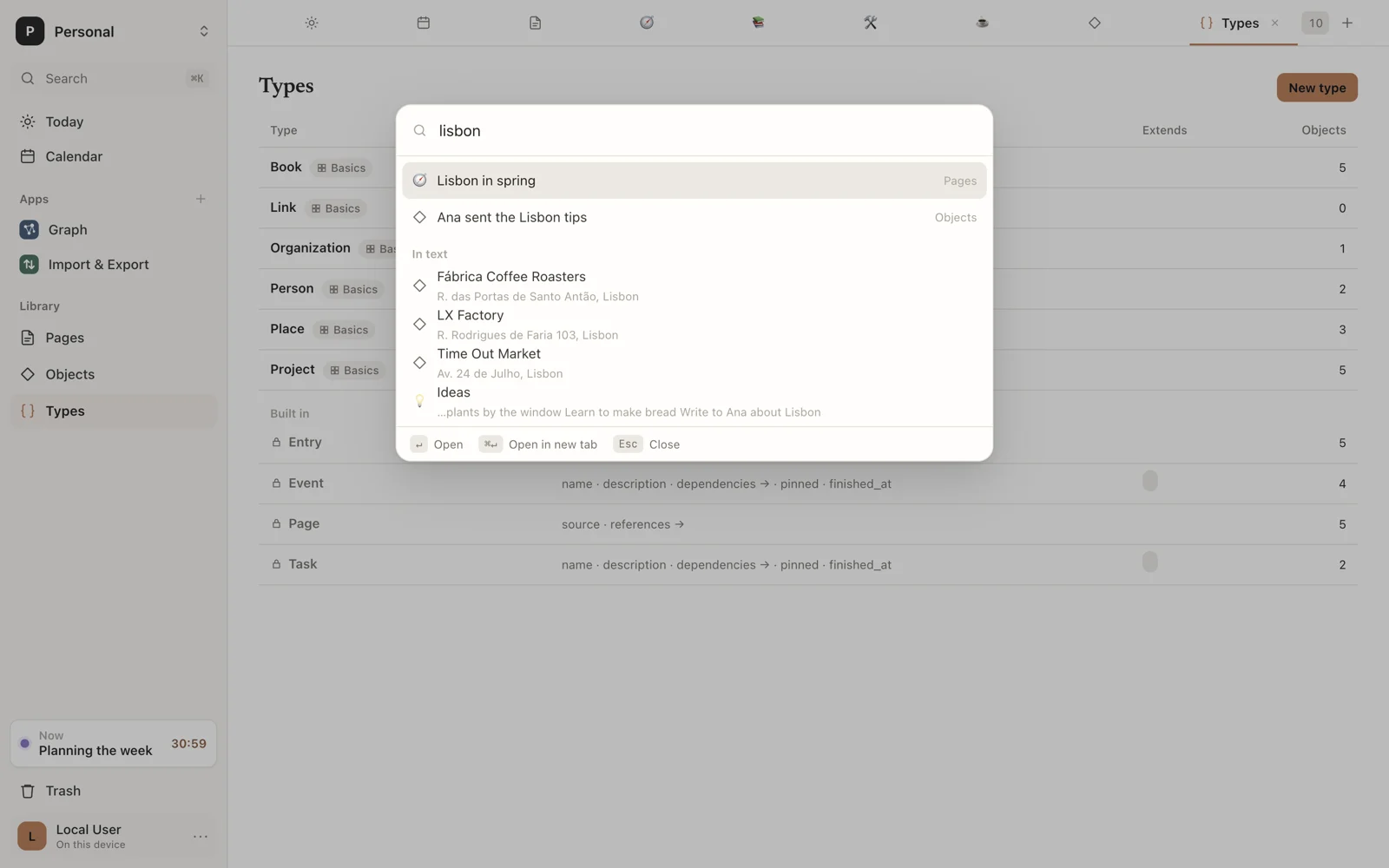
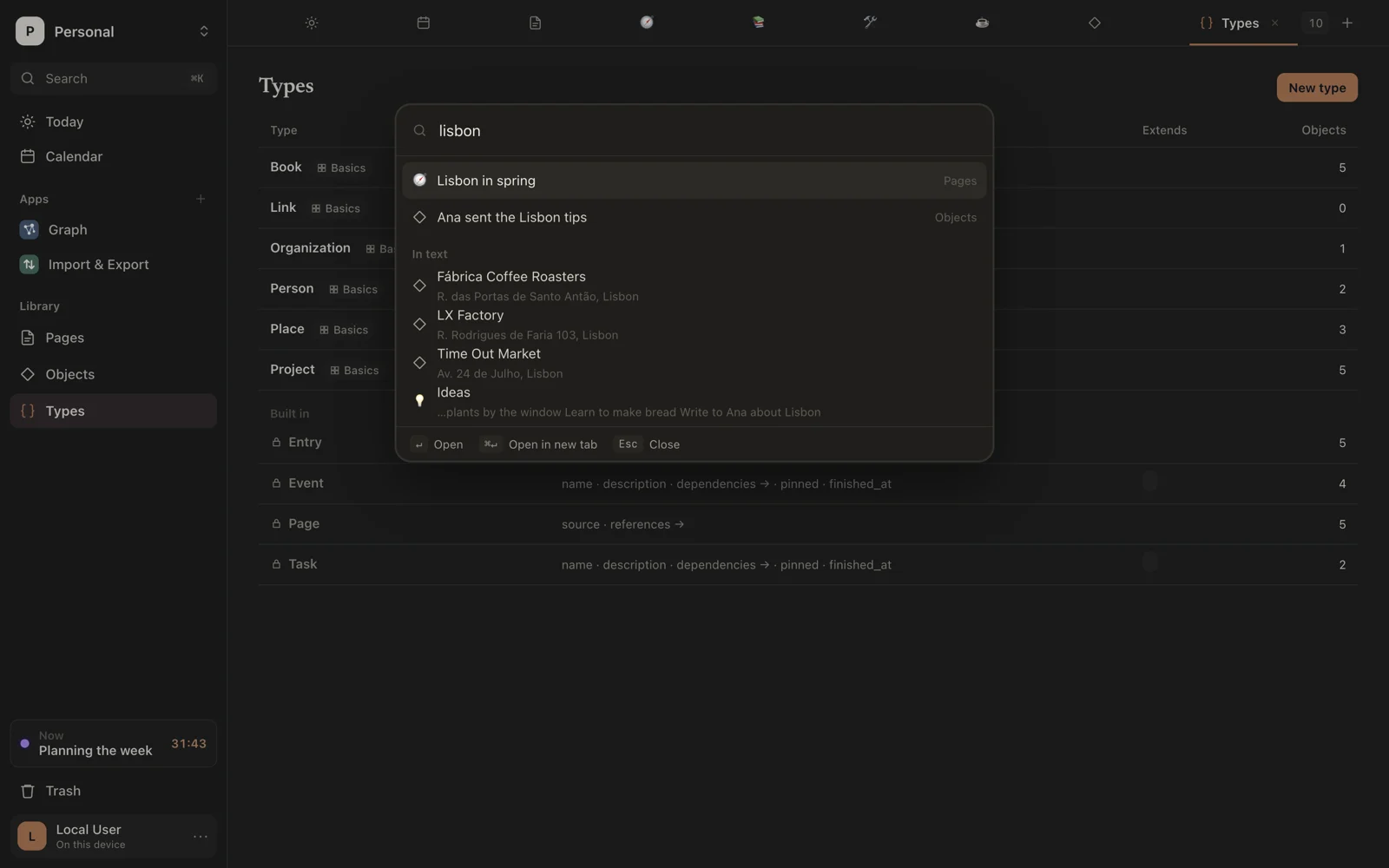
The command palette finds anything in your workspace by name, and does anything Sorus can do. Open it with ⌘K or Search at the top of the sidebar.
Find
Start typing. The palette matches:
- Pages and Objects, by name (objects also by their type's name);
- pages, objects, calendar events and files by the words in them, under In text, with a snippet showing where, the words marked;
- places to Go to: Jot, Pages, Objects, Types, Trash, Workspaces, Settings;
- Apps from your extensions, and the commands they bring;
- everything below.
With nothing typed, it shows a few pages and every command, grouped.
Add type: to keep to one type: porto type:book finds books that mention Porto, and type:book alone lists every book. Use quotes for a name with a space, as in type:"calendar event", and type:page for pages.
Add a tag, as #travel or tag:travel, to keep to what has it.
When nothing has the name you typed, the palette offers New page “…” by it, next to the page you have open. Write a type's name first, as in Book: Dune, to make a Book called Dune instead.
| Key | Does |
|---|---|
| ↑ ↓ | Move through results |
| ↵ | Open or run |
| ⌘↵ | Open in a new tab |
| Esc | Close |
Commands
| Group | Commands |
|---|---|
| Now | Switch activity…, End activity…, Activity started at…, Rename activity…, Log a moment |
| Create | New page, New page inside this one, Move page to…, New jot |
| New | New Type for each of your types |
| Tabs | New tab, Close tab, Next tab, Previous tab |
| View | Show or hide the page list, Show or hide page details, Use light mode, Use dark mode, Match the system's mode |
Commands with a shortcut show it on the right. See Keyboard shortcuts for the full list.